On this page:
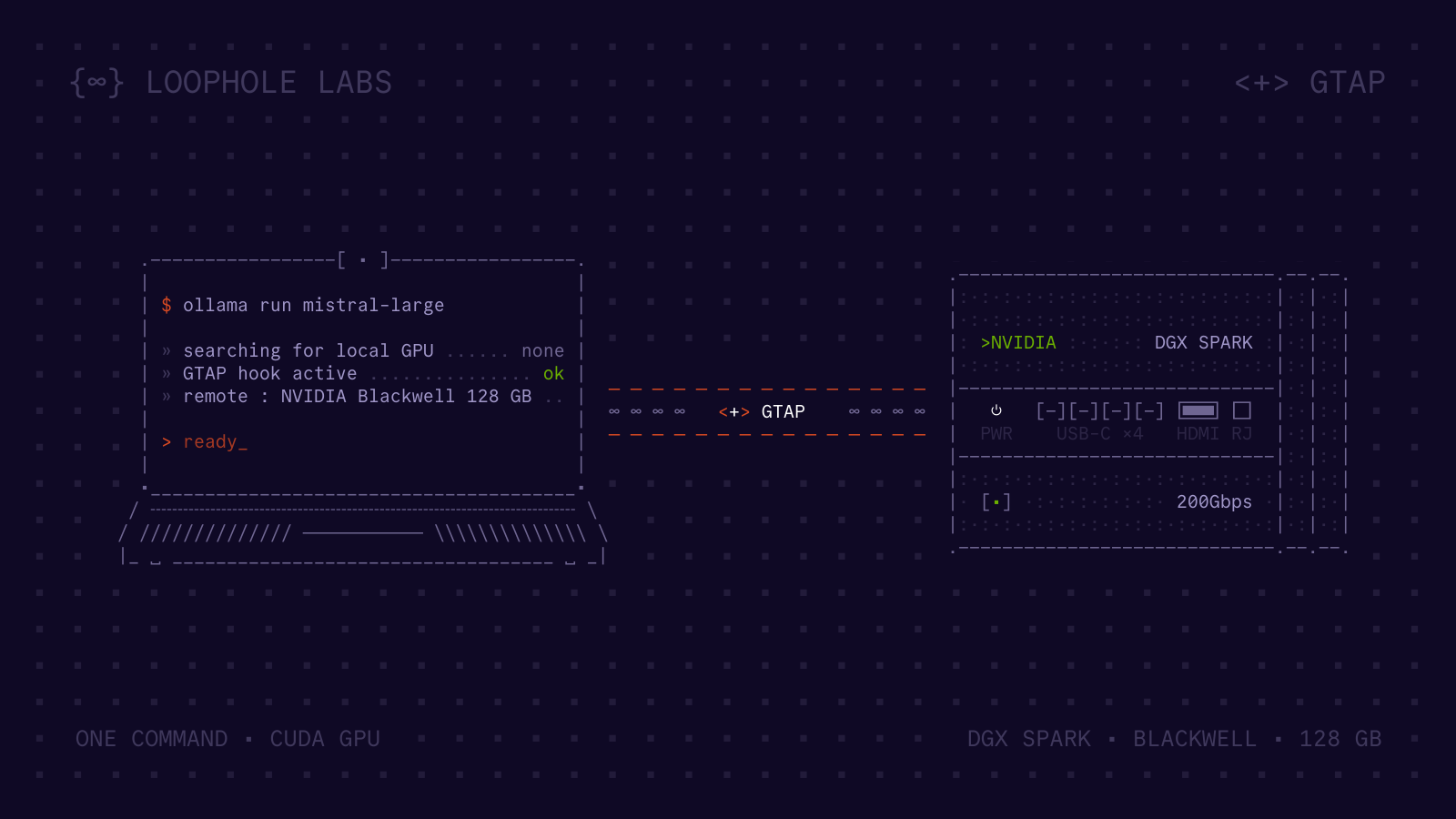
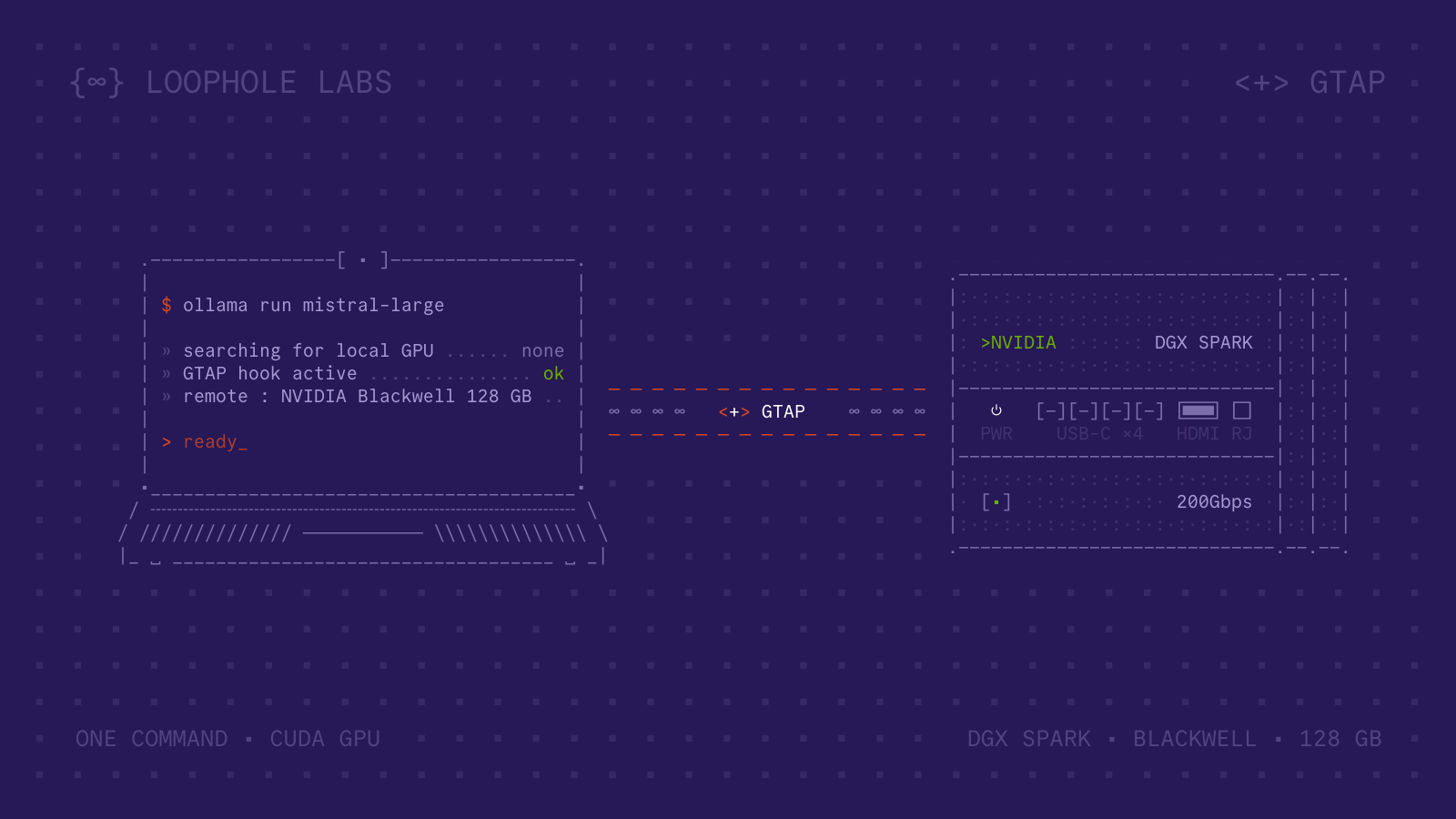
We started an Ollama container on a MacBook. There's no NVIDIA GPU, no CUDA toolkit, and macOS doesn't even have CUDA drivers. Ollama found an NVIDIA GPU anyway: A 128 GB Blackwell GPU on a DGX Spark across the network.
GTAP enables this by intercepting CUDA calls and forwarding them to a remote server. It takes one command, requires no code changes, and the application has no idea.
Here's what that looks like:
Seeing it in action
Running Ollama on a MacBook with no GPU via GTAP
GTAP server TUI showing GPU utilization during remote Ollama inference
The setup is two machines: a DGX Spark (NVIDIA's Grace Blackwell workstation, 128 GB of unified GPU memory) running the GTAP server, and a MacBook running Docker Desktop with no NVIDIA hardware and no CUDA installation.
With GTAP installed on the MacBook, starting Ollama is one command:
$ gtap docker run \
    --name ollama-demo --rm \
    ollama/ollama
GTAP acquires a lease on the remote GPU, starts the container, and injects an interceptor.
Ollama initializes, discovers "its" GPU (actually the DGX Spark's GB10), and begins serving.
The first command starts Ollama's server inside the container.
To load a model and interact with it, you open a second terminal and run ollama run:
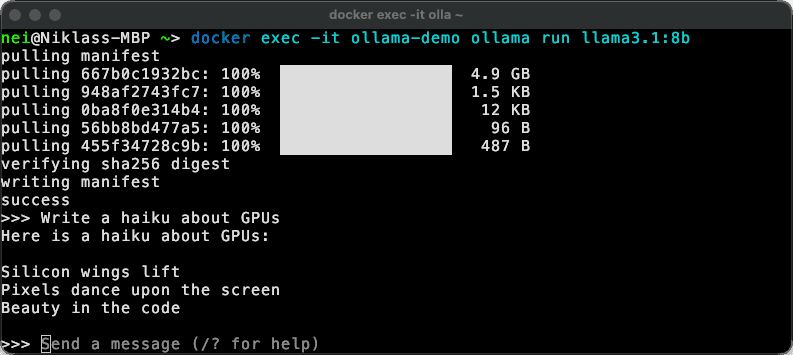
Running llama3.1:8b via GTAP. The model pulls and generates a response, all computed on the remote GPU.
Every token is computed on the DGX Spark's GPU. Only the generated text crosses the network back to the MacBook. Token generation is fast and interactive.
Want to go bigger?
The DGX Spark has 128 GB of memory. This is enough for mistral-large:
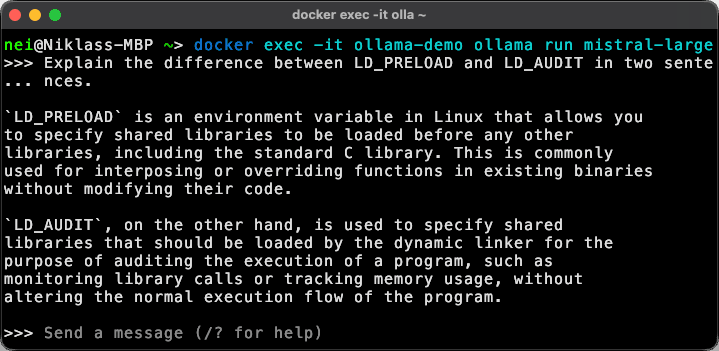
Running Mistral Large at 123 billion parameters. 73 GB of VRAM, streamed from the remote DGX Spark.
Mistral Large at 123 billion parameters requires roughly 73 GB of VRAM. The response streams back to the MacBook in real time, token by token.
On the server side, GTAP's terminal UI shows live GPU utilization, RPC call rate, network bandwidth, and scrollable logs. During inference, you can watch GPU utilization spike every time a response is generated, confirming that the compute is happening remotely.
GTAP doesn't know or care what model Ollama is running. It just forwards CUDA calls. We've verified 48 models across 15 families, from SmolLM2 at 135M parameters to Qwen3.5 at 122B. All of them work without changes.
You may have noticed that the video uses a custom container image instead of the stock ollama/ollama.
Since GTAP intercepts all CUDA libraries at the loader level, the container doesn't need a CUDA distribution at all.
We strip CUDA from the image entirely, bringing it from 8.7 GB (ollama/ollama:0.17.7) down to 1.2 GB.
The difference is just the toolkit you no longer have to ship.
Removing the NVIDIA Container Toolkit from the host also eliminates a recurring source of container escape vulnerabilities.
Why this matters
GPUs are expensive and hard to get. Most development machines don't have one, and cloud GPU instances bundle hardware you don't need with long-term commitments you can't avoid. GTAP turns a GPU into a network resource. Nothing about your application changes. The GPU just shows up wherever you need it: a fleet of laptops sharing a single GPU server, Kubernetes pods on nodes without NVIDIA drivers, or a CI runner that never had a GPU installed. None of this requires code changes, special drivers, or a CUDA installation on the client.
How this works
GTAP decouples the GPU from the machine that runs the application. The approach is called API remoting: GTAP intercepts CUDA API calls at the loader level and forwards them over the network to a server that has the actual GPU. The application has no idea this is happening.

CUDA calls are intercepted locally and forwarded to the remote GPU over the network.
This is not virtualization in the hypervisor sense, and it isn't the same as GPU sharing approaches like MIG, vGPU, or PCIe passthrough, which all partition or assign a GPU to VMs on the same physical machine.
There's no virtual GPU device, no special driver, no modified application.
GTAP operates below the application, at the boundary between the CUDA shared libraries and the process that calls them.
When an application calls cudaMalloc, GTAP locally serializes the call and sends it over the network to the server.
The server executes the real cudaMalloc on the physical GPU and returns the result.
The application receives a valid device pointer and continues as normal.
Getting that interception to work cleanly turns out to be the tricky part.
The common way to intercept library calls on Linux is LD_PRELOAD, which loads a wrapper library before the real one.
The problem is that LD_PRELOAD hides symbols but doesn't replace the underlying library.
CUDA still has to be installed locally, and the real CUDA libraries still initialize, which can cause conflicts when there is no actual GPU.
GTAP uses a different mechanism: Linux's ld.so audit interface (LD_AUDIT).
When the loader loads a CUDA library, GTAP's audit module redirects it to its own implementation and replaces CUDA functions with its own stubs.
The original CUDA libraries never load locally at all.
GTAP currently supports the CUDA Driver API, Runtime API, cuBLAS, cuSPARSE, cuDNN, cuFFT, nvJPEG, and NVML, covering the vast majority of the CUDA ecosystem.
Overhead
The obvious concern with API remoting is latency. Every CUDA call crosses the network, so how does this not hurt performance?
The key is that most CUDA calls are asynchronous.
Kernel launches, cudaMemcpyAsync, and other stream operations return immediately to the application.
GTAP sends them to the server asynchronously, maintaining execution order without blocking the application.
The application keeps submitting work while previous calls are still in flight on the GPU.
Network latency only becomes visible on synchronization points: calls where the application explicitly waits for the GPU to finish.
The main ones are cudaStreamSynchronize, cudaDeviceSynchronize, and the synchronous variants of cudaMemcpy.
These block until all in-flight work on the relevant stream completes, and that round trip is where you pay the network cost.
Well-written CUDA applications minimize synchronization. They submit large batches of work, overlap compute with data transfers using multiple streams, and only synchronize when they need results. Research on CUDA API remoting has shown that these workloads see negligible overhead on a low-latency network.
For Ollama, each generated token requires at least one synchronization to read back the result, so each token pays at least one network round trip. On a low-latency network this is still very usable, but token rate is sensitive to network latency. Fewer synchronization points mean less overhead. vLLM, for instance, achieves higher token rates over GTAP for exactly this reason.
Beyond latency, there's also bandwidth to consider. Loading a model means transferring its weights to GPU memory, and a naive implementation would send them over the network every time. For Llama 3.1 8B, that's roughly 4.7 GB. For Mistral Large, it's around 73 GB. Over a gigabit Ethernet link, that's 38 seconds and nearly 10 minutes respectively. GTAP avoids this entirely. The GTAP server caches model weights on local disk. When Ollama loads a model that's already cached, GTAP reads it directly from the server's disk instead of transferring it over the network. The weights never cross the wire.
We benchmarked DeepSeek-R1 32B generating 512 tokens on a DGX Spark, comparing native execution with GTAP over a local network:
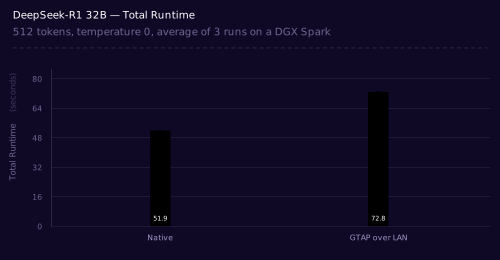
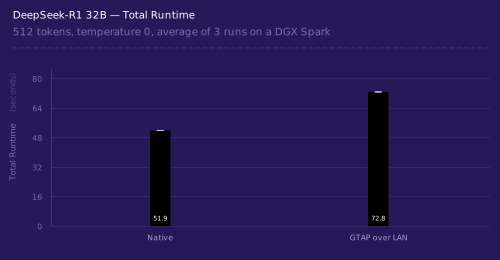
DeepSeek-R1 32B total runtime, native vs GTAP over LAN.
The total overhead splits roughly evenly between model loading (9s) and token generation (12s). Both are areas we're actively working on improving.
Once every CUDA call flows through a single point, there's more you can do with it. GPU sharing, workload migration, and more. That's for another post.
Try it
Beyond Ollama, we've tested GTAP with vLLM, ComfyUI, Stable Diffusion, and more. If you're interested in trying it with your own workloads, get in touch.
And yes, it runs DOOM.
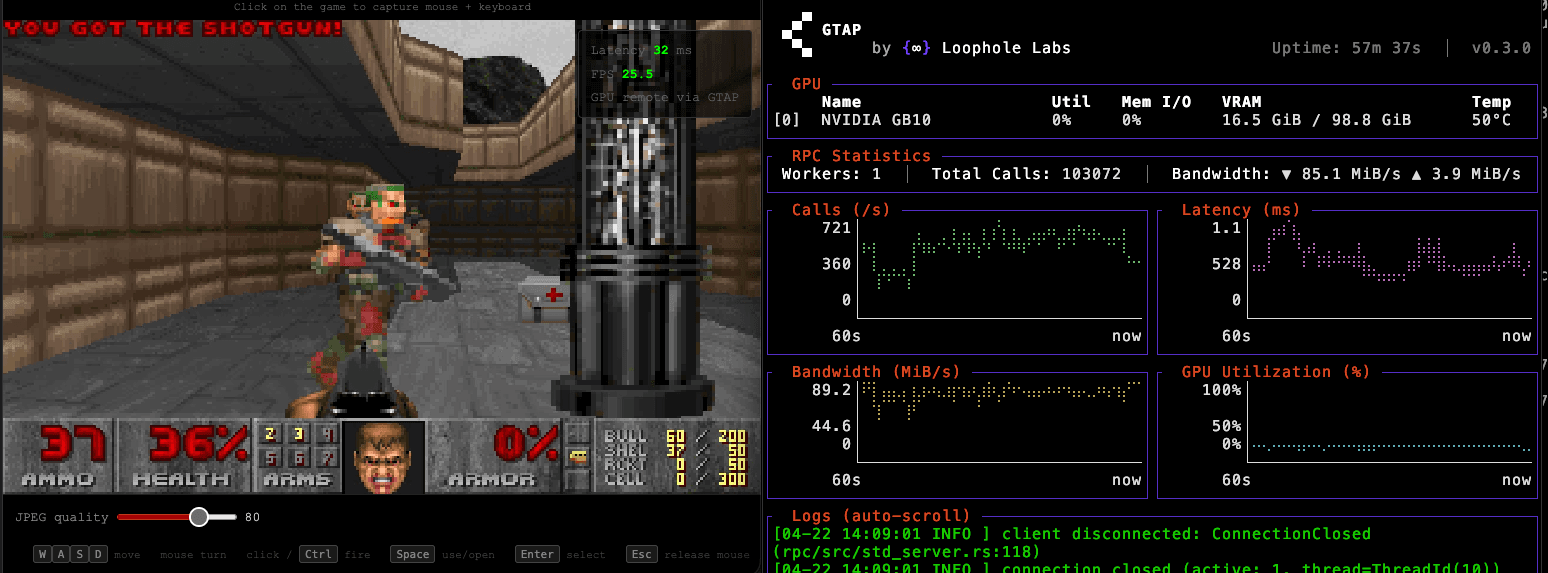
DOOM running on a MacBook via GTAP. The GPU is on a DGX Spark across the network.
──/~\ Architect
──Optimize cluster costs and maximize node utilization, all without modifying your applications or your infrastructure.

Author:
niklas eiling
Founding Engineer
Socials: